
IGNOU Samarth Portal Registration 2026 – Complete Step-by-Step Guide for New Students
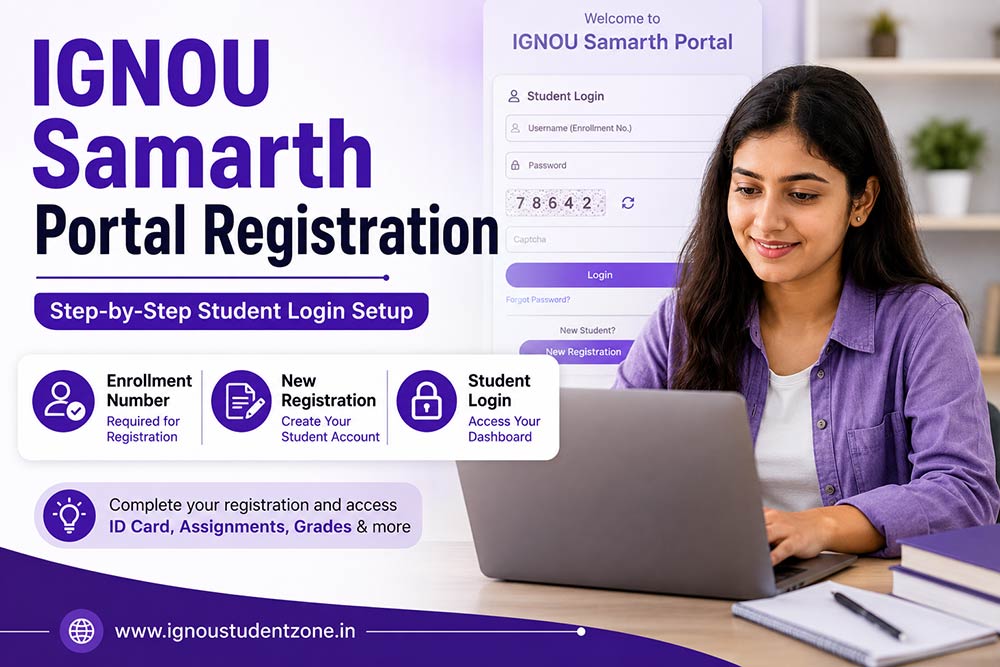
IGNOU Samarth Portal Registration is one of the first and most important tasks every student must complete after receiving their IGNOU enrollment number.
Just received your admission confirmation from IGNOU?
Congratulations!
But here’s something many students don’t realize.
Getting admission is only the first step.
To access important IGNOU services such as:
- Downloading your IGNOU ID Card
- Checking academic records
- Accessing student services
- Managing profile information
- Using various online facilities
you first need to register on the IGNOU Samarth Portal.
And honestly?
Thousands of students face registration problems every admission cycle because they try to register before receiving their enrollment number or enter incorrect details during registration.
The good news?
The registration process takes only a few minutes when you follow the correct steps.
Need help with IGNOU admission, Samarth registration, ID card download, assignment submission, or other student services?
👉 Visit our IGNOU Student Help page for complete guidance and important updates.
In this complete guide, you’ll learn how to register on the IGNOU Samarth Portal, common errors students face, solutions to registration issues, and what you can do after creating your account.
IGNOU Samarth Portal Registration – Quick Answer
Students can register on the IGNOU Samarth Portal only after their admission is confirmed and an enrollment number has been generated.
Registration Process
- Visit the IGNOU Samarth Portal
- Click on New Registration
- Select your programme
- Enter your enrollment number
- Enter your name as per IGNOU records
- Create a password
- Submit the registration form
After successful registration, your enrollment number becomes your username for future login.
IGNOU Samarth Registration at a Glance
| Particulars | Details |
|---|---|
| Portal Name | IGNOU Samarth Portal |
| Registration Required | Yes |
| Registration Fee | Free |
| Username | Enrollment Number |
| Password | Student Created |
| Eligibility | Confirmed Admission |
| Enrollment Number Required | Yes |
| Official Portal | ignou.samarth.edu.in |
What is IGNOU Samarth Portal?
The IGNOU Samarth Portal is the official student management system used by the university.
Think of it as your personal student dashboard.
After registration, students can access various academic services through their account.
The portal helps students manage important activities during their academic journey with IGNOU.
If you’re new to IGNOU, you should also read:
to understand the complete student ecosystem.
Who Can Register on IGNOU Samarth Portal?
Not every applicant can register immediately.
You can register only if:
✅ Your IGNOU admission has been approved
✅ You have received your enrollment number
✅ Your programme details are available in IGNOU records
If your admission is still under process, registration will not work.
This is the most common reason students encounter registration errors.
When Should You Register?
You should register immediately after receiving your enrollment number through:
- SMS
- Admission confirmation
And honestly?
Many students unnecessarily delay registration and later face problems while trying to access important services.
So as soon as your enrollment number is available, complete your registration.

Step-by-Step Process for IGNOU Samarth Portal Registration
Step 1: Visit the Official Samarth Portal
Open the official portal:
Step 2: Click on “New Registration”
Below the login section, you’ll find the New Registration option.
Click on it to begin.
Step 3: Select Your Programme
Choose your programme from the dropdown menu.
Examples include:
- BAM
- BCOMG
- MASO
- MAPC
- MHD
- MBA
Always select the correct programme code.
Step 4: Enter Your Details
Fill in:
- Full Name
- Enrollment Number
Make sure the details match your IGNOU admission records exactly.
Step 5: Create a Password
Create a secure password.
A strong password should include:
- Uppercase letters
- Lowercase letters
- Numbers
- Special characters
Step 6: Submit Registration Form
Complete the captcha verification and submit the form.
Your account is now successfully created.
How to Login After Registration
After registration, use:
Username
Your Enrollment Number
Password
The password created during registration
Captcha
Enter the displayed code
You can now access your student dashboard.
IGNOU Samarth Registration Not Working?
This is one of the most searched issues by students.
If registration fails, don’t panic.
Usually the problem is caused by one of the following reasons.
Enrollment Number Not Found
Possible reasons:
- Admission not approved yet
- Enrollment number entered incorrectly
- IGNOU database still updating
Solution:
Wait for admission confirmation and try again after some time.
Name Mismatch
If your name doesn’t match IGNOU records exactly, registration may fail.
Solution:
Use the exact spelling used in your admission application.
Wrong Programme Selected
Many students accidentally choose the wrong programme code.
Solution:
Verify your programme code before submitting.
5 Common Mistakes Students Make During Samarth Registration
Registering Before IGNOU Admission Approval
Without admission confirmation, registration won’t work.
Entering Wrong Enrollment Number
Even a small mistake can prevent successful registration.
Choosing Wrong Programme
Always verify the programme code.
Using Weak Passwords
Choose a secure password you’ll remember.
Forgetting Login Credentials
Save your login details safely after registration.
What Can You Do After IGNOU Samarth Registration?
Many students think Samarth is only for login.
That’s not true.
After registration, you can access important services such as:
Download IGNOU ID Card
Your digital ID card becomes available after admission confirmation.
👉 Read: IGNOU ID Card Download
Check Academic Information
Students can view programme-related information through their dashboard.
Access Student Services
The portal acts as a central hub for various student-related activities.
Update Profile Information
Students can manage certain profile details through the portal.
Forgot IGNOU Samarth Password?
Forgot your password?
Don’t worry.
Use the “Forgot Password” option available on the login page.
You can also read:
👉 IGNOU Samarth Forgot Password
for complete password recovery instructions.
Important Tips for New IGNOU Students
Before registering:
✔ Keep your enrollment number ready
✔ Use a valid email address
✔ Double-check programme code
✔ Create a strong password
✔ Save login credentials securely
✔ Bookmark the Samarth Portal
These simple steps can prevent most registration issues.
Frequently Asked Questions
Yes. Students need a Samarth account to access important university services.
No. Enrollment number is mandatory for registration.
Your enrollment number serves as the username.
This usually happens when admission is not yet confirmed or the database has not been updated.
Once your enrollment number is generated and available in the system.
Yes. Students can change or reset their password whenever required.
Final Thoughts
IGNOU Samarth Portal registration is a one-time process, but it is one of the most important steps after admission confirmation.
Without registration, you may not be able to access several important student services.
So once you receive your enrollment number, don’t wait.
Complete your registration, activate your account, and start exploring the services available through the IGNOU Samarth Portal.
This simple setup will make your entire IGNOU journey much smoother and more organized.

IGNOU Project Report Submission: How to Submit, Address, Format & Timeline

How to Create ABC ID in IGNOU (Step-by-Step Guide for Students)

How to Calculate IGNOU Percentage? A Simple Guide for All Students
About Author

IgnouStudentZone
The person behind IGNOU student Zone is blogger by passion. His qualifications include B.E. Computers, MBA in Marketing, Google Certified in Digital Marketing.